
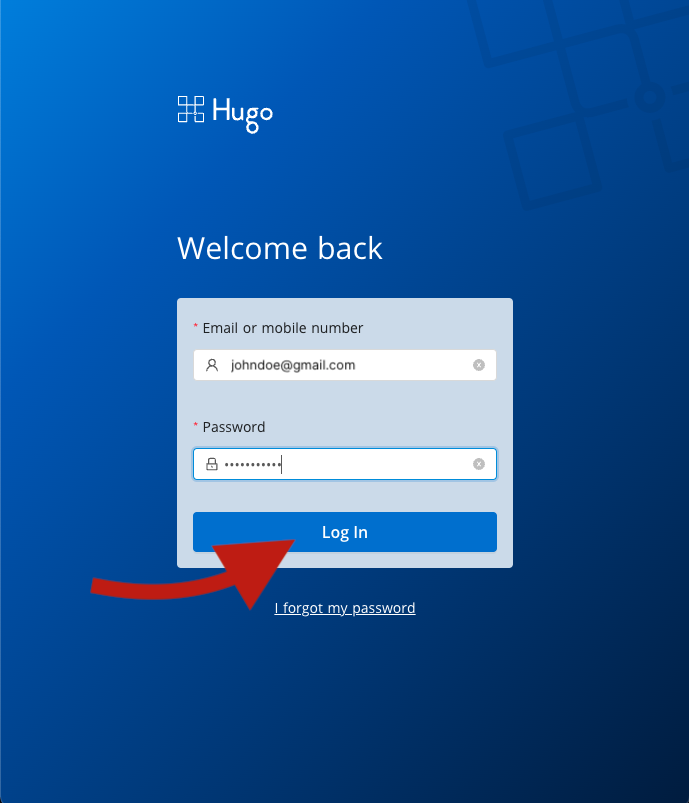
1. Login to your Hugo Health account
Go to https://app.hugo.health and enter your Hugo Health username and password. If you've forgotten your password, follow the password reset instructions here.
2. Find the "Redeem" Section
Scroll down to the "Rewards" section and click "Redeem". The redemption link will be sent to your email by our rewards partner, Rewards@Tremendous.com. If you can't find the email, please check your spam. If it's not in your spam, reach out to support@tremendous.com.
Comments
0 comments
Article is closed for comments.