
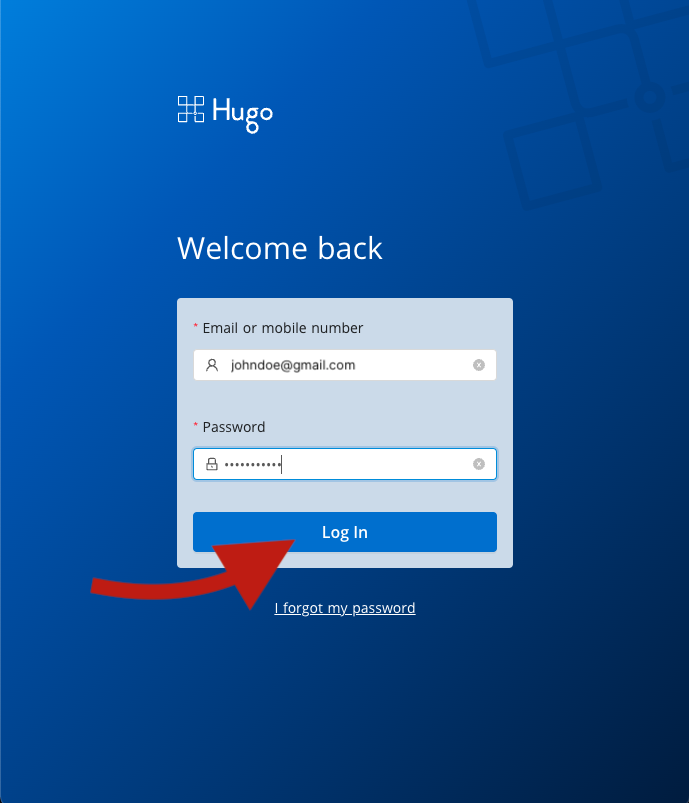
1. Login to Hugo Health
Go to https://app.hugo.health and enter your Hugo Health username and password. If you forgot your password, you can read the reset instructions here.
2. Scroll down to Communications and toggle your preferences
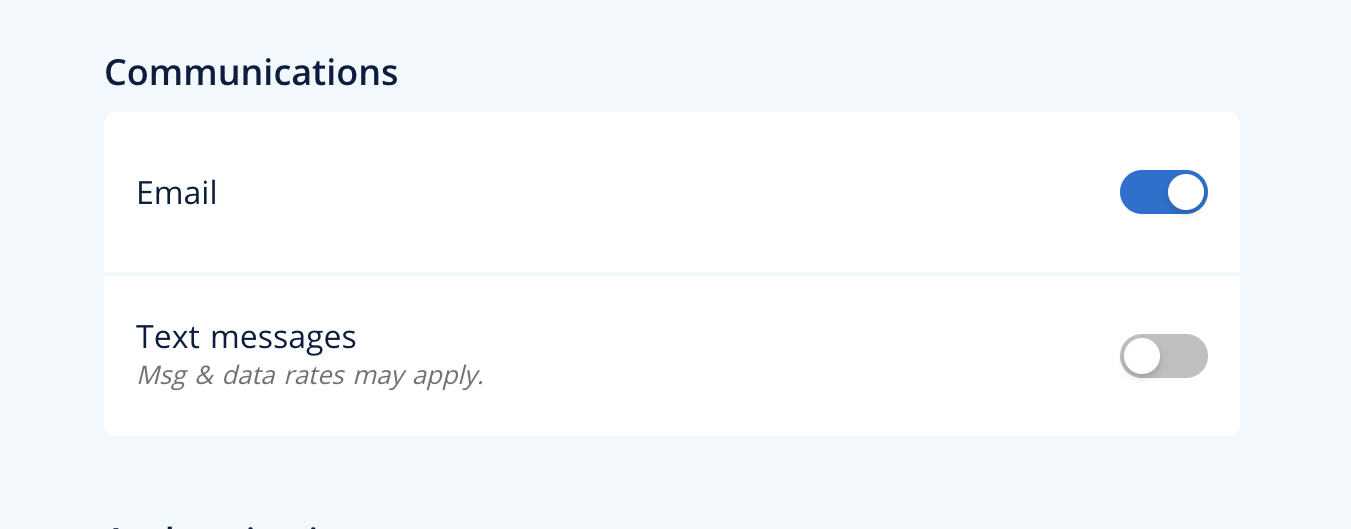
Scroll down to the "Communications" settings, and use the toggles on the right to turn the communication method on or off. When the toggle is blue, it means that method is enabled.
If you're having trouble, reach out to support@hugo.health for assistance.
Comments
0 comments
Article is closed for comments.