
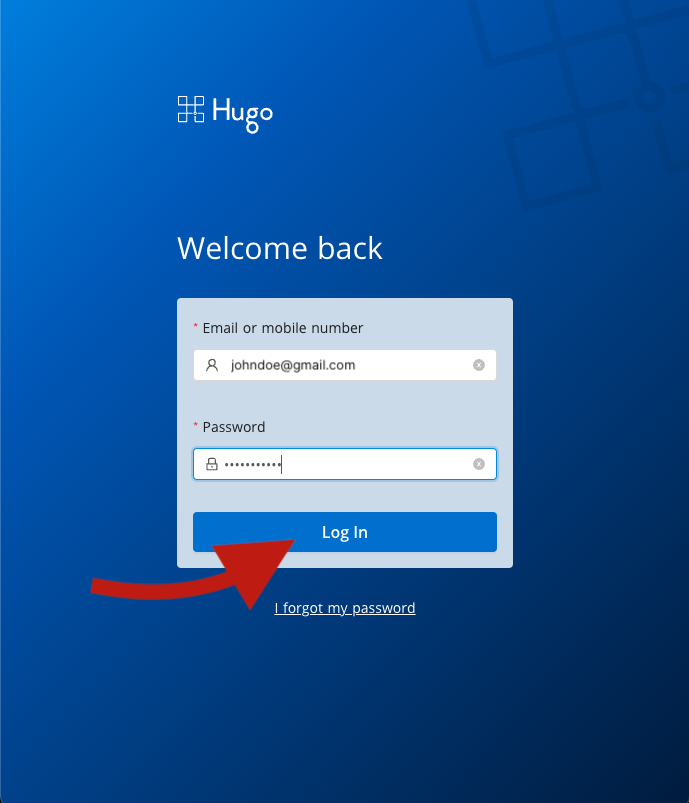
1. Log in to your Hugo Health Account
Go to https://app.hugo.health and log in using your Hugo Health username and password
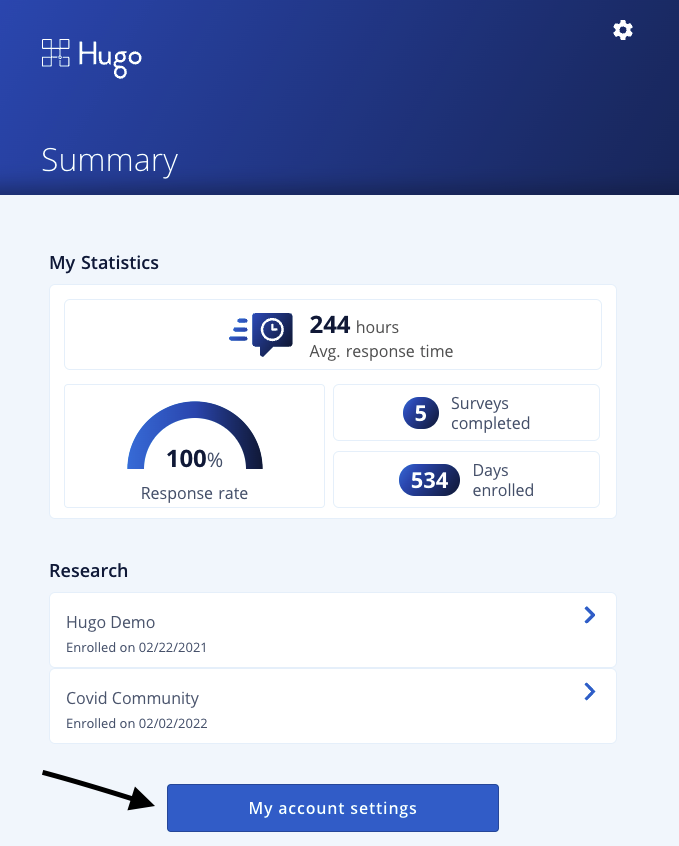
2. Navigate to "My Account Settings"
Scroll down the page until you see a blue button that says "My account settings". Click that button.
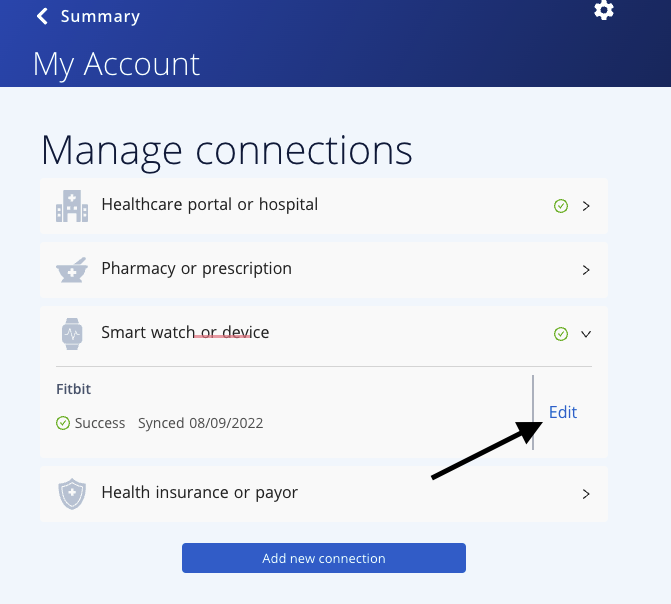
3. Click edit next to the connection you wish to remove
Expand the connection type that represents the connection you wish to remove. Click the edit button next to that connection.
4. Select "Forget Connection"
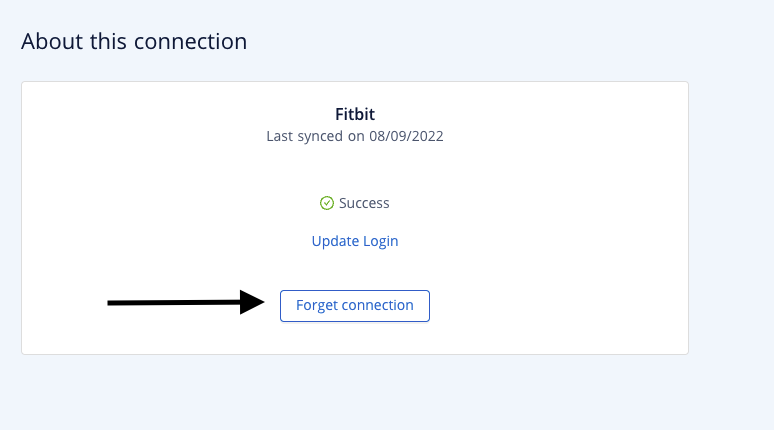
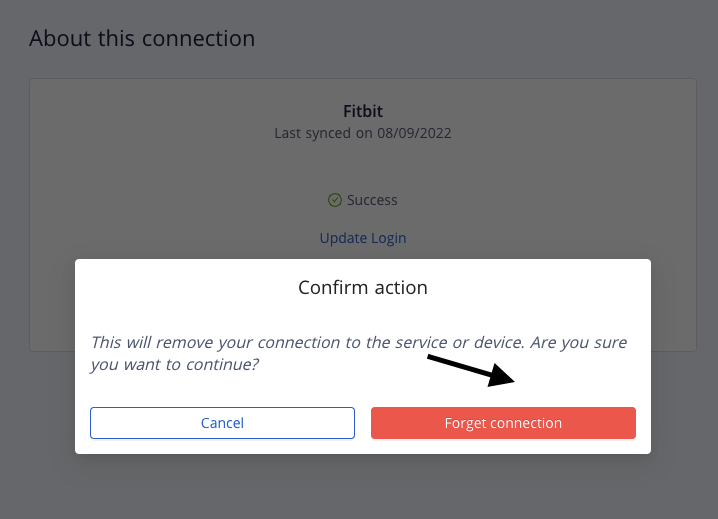
5. Confirm that you wish to forget the connection
If you have any other questions, please feel free to email us at support@hugo.health
Comments
0 comments
Article is closed for comments.