
1. Login to Hugo Health
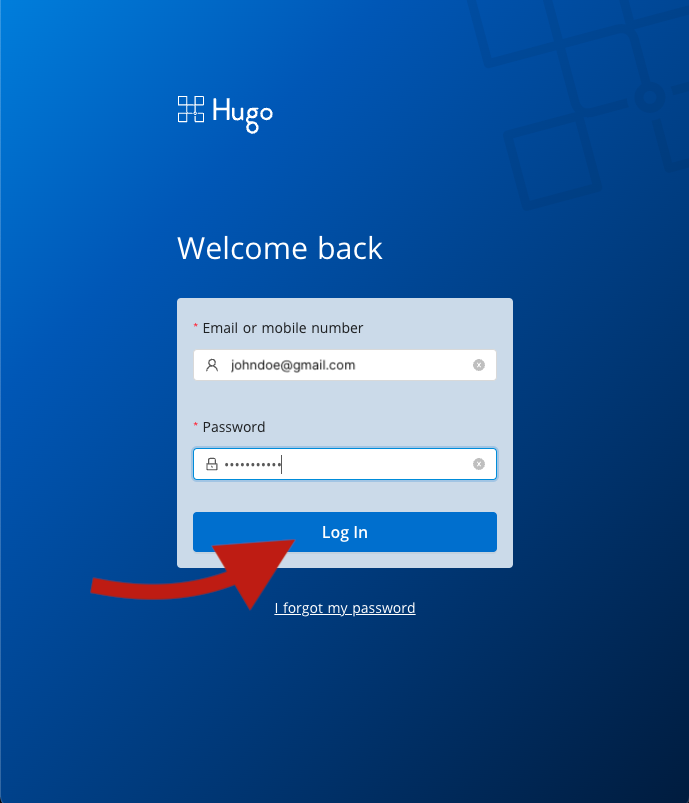
Go to https://app.hugo.health and enter your Hugo Health username and password, then click the button that says "Log In". If you don't remember your password, you can follow the password reset instructions here
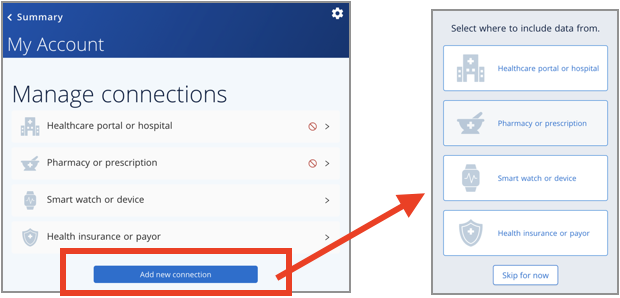
2. Scroll down to "Account Settings"
Scroll down the page until you see a blue button that says "My account settings", and click that button.
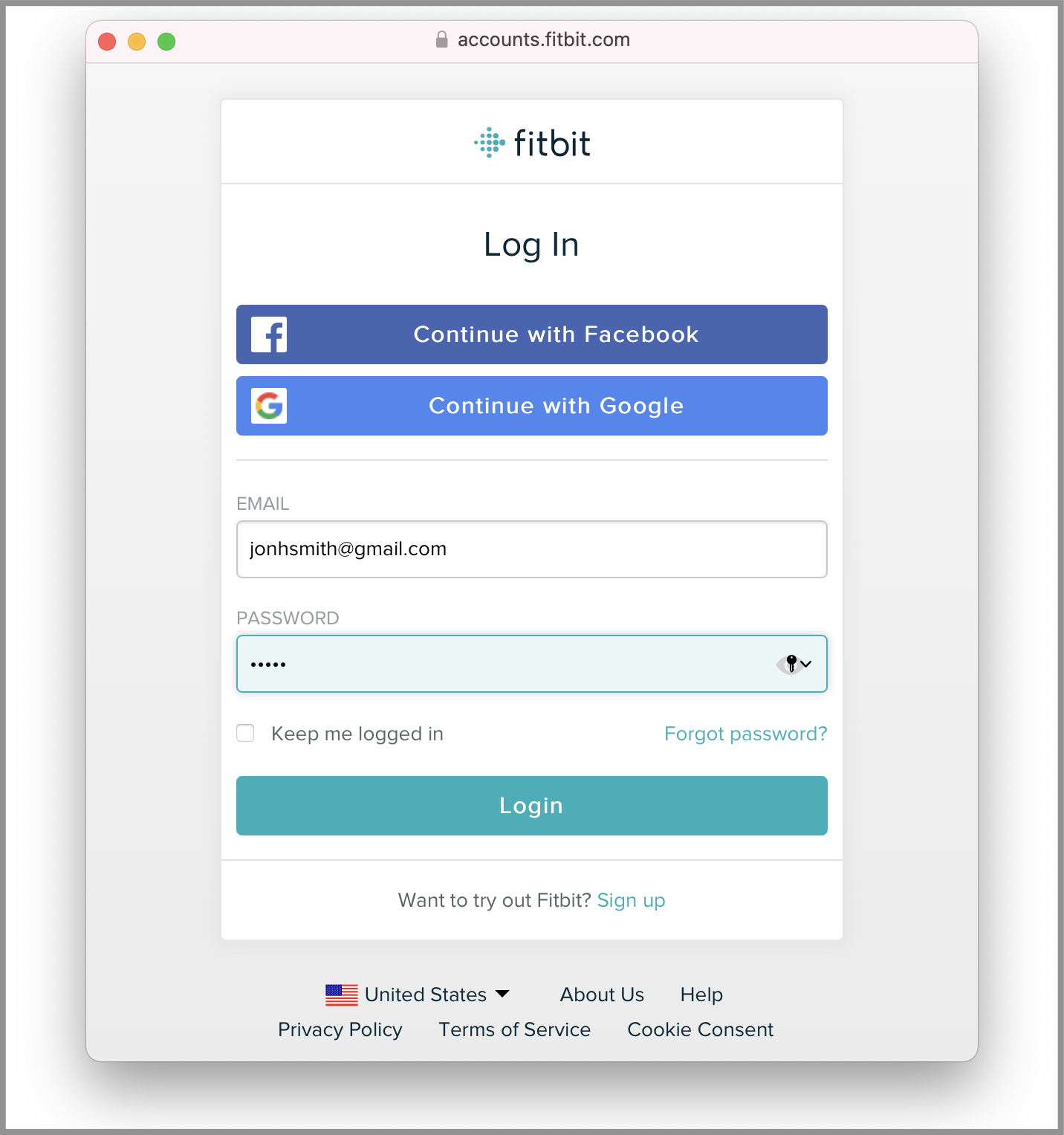
3. Enter your Fitbit Credentials.
A pop-up window will appear. Some browsers block pop-ups automatically. If a new window doesn't appear, follow the instructions below to ensure they aren't blocked.
Enter your Fitbit username and password in that pop-up window.
4. Success!
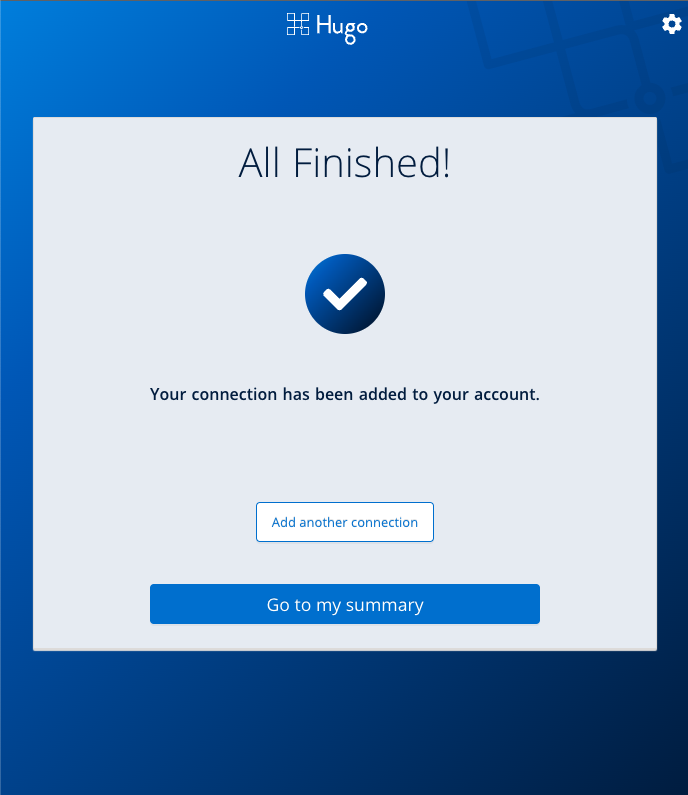
If you completed the process, the popup window should close and you should see a screen that says "All Finished!".
If you're still having trouble, please email support@hugo.health for assistance.
Comments
0 comments
Article is closed for comments.